
Description
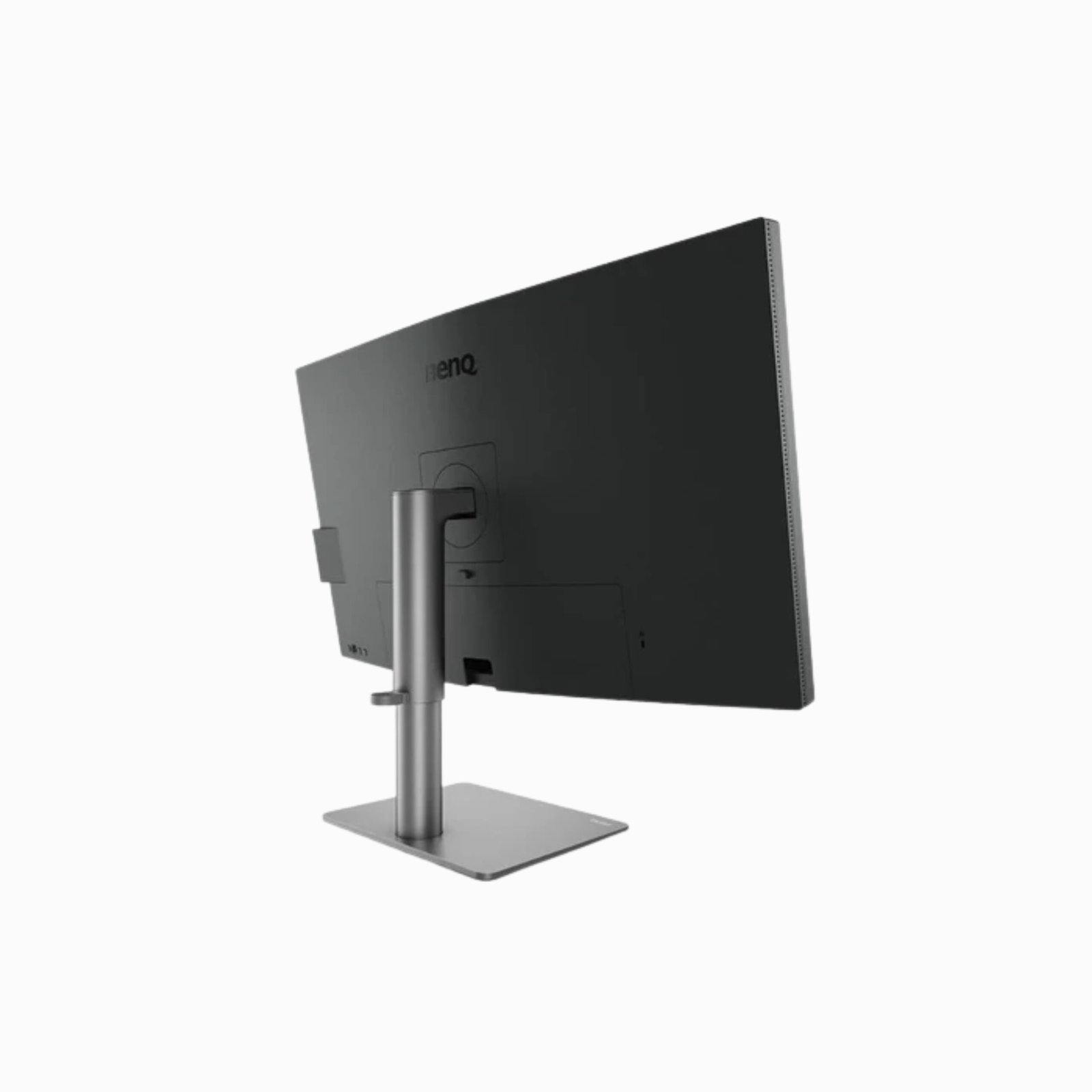
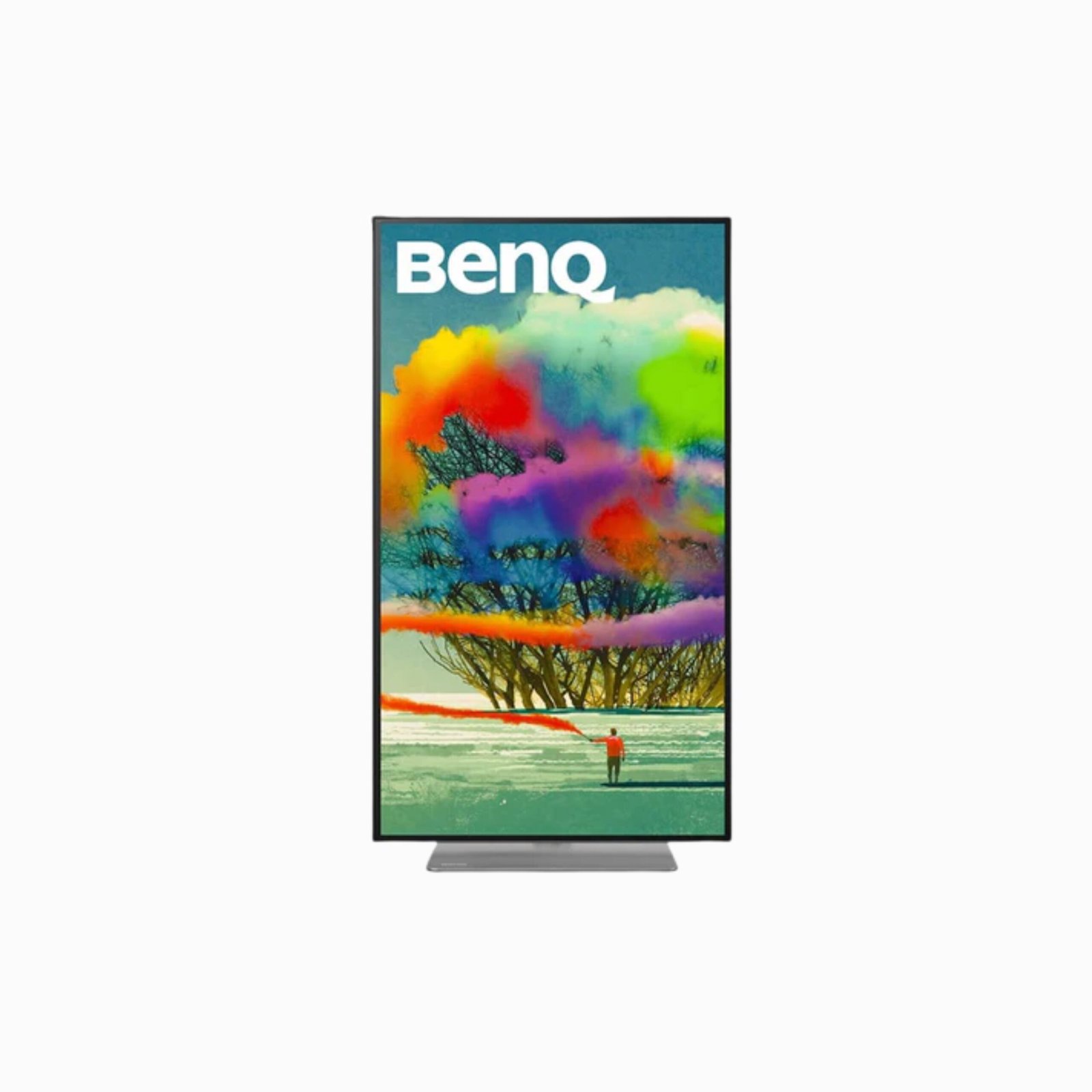
PD3220U has everything you need for success. Trusted color by PANTONE and CalMAN verification, 4K HDR10 video support, and Thunderbolt™ 3 connectivity make this display incredibly versatile. It has the chops to carry photographers, videographers, and graphic designers through a workday. It has the style and features for an evening of streaming or family fun. And, it has eye care that looks out for you while you’re watching your monitor.
Warranty:
1-year manufacturer’s warranty
Features:
- 100% sRGB and 95% P3 color space with IPS Technology
- Thunderbolt 3 daisy chain technology for dual monitor
- HDR10 content support
Mac Ready
Take needless complexity out of the creative process. PD3220U eliminates tedious, repetitive adjustments, freeing your time and energy for what matters most.
Simplified Connectivity
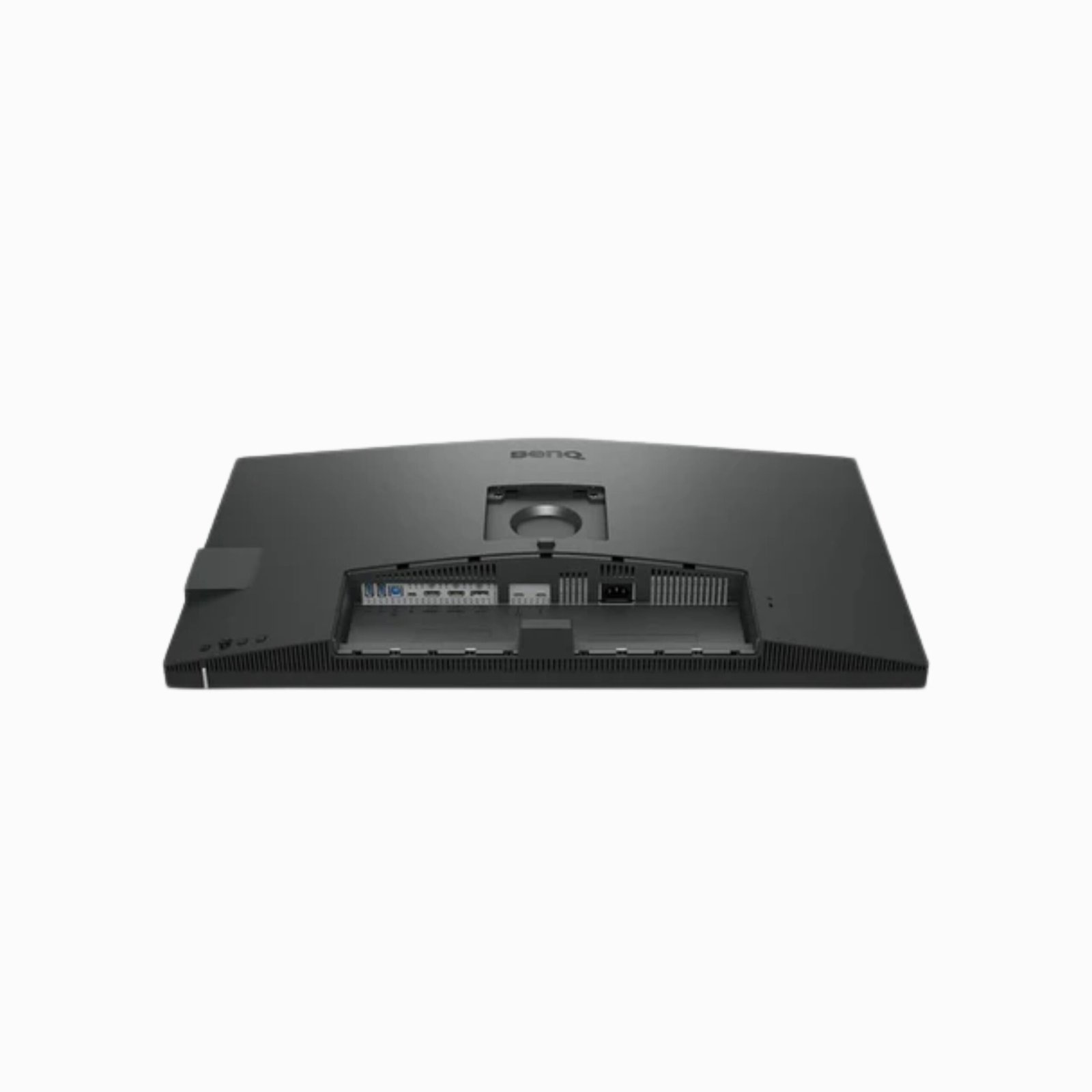
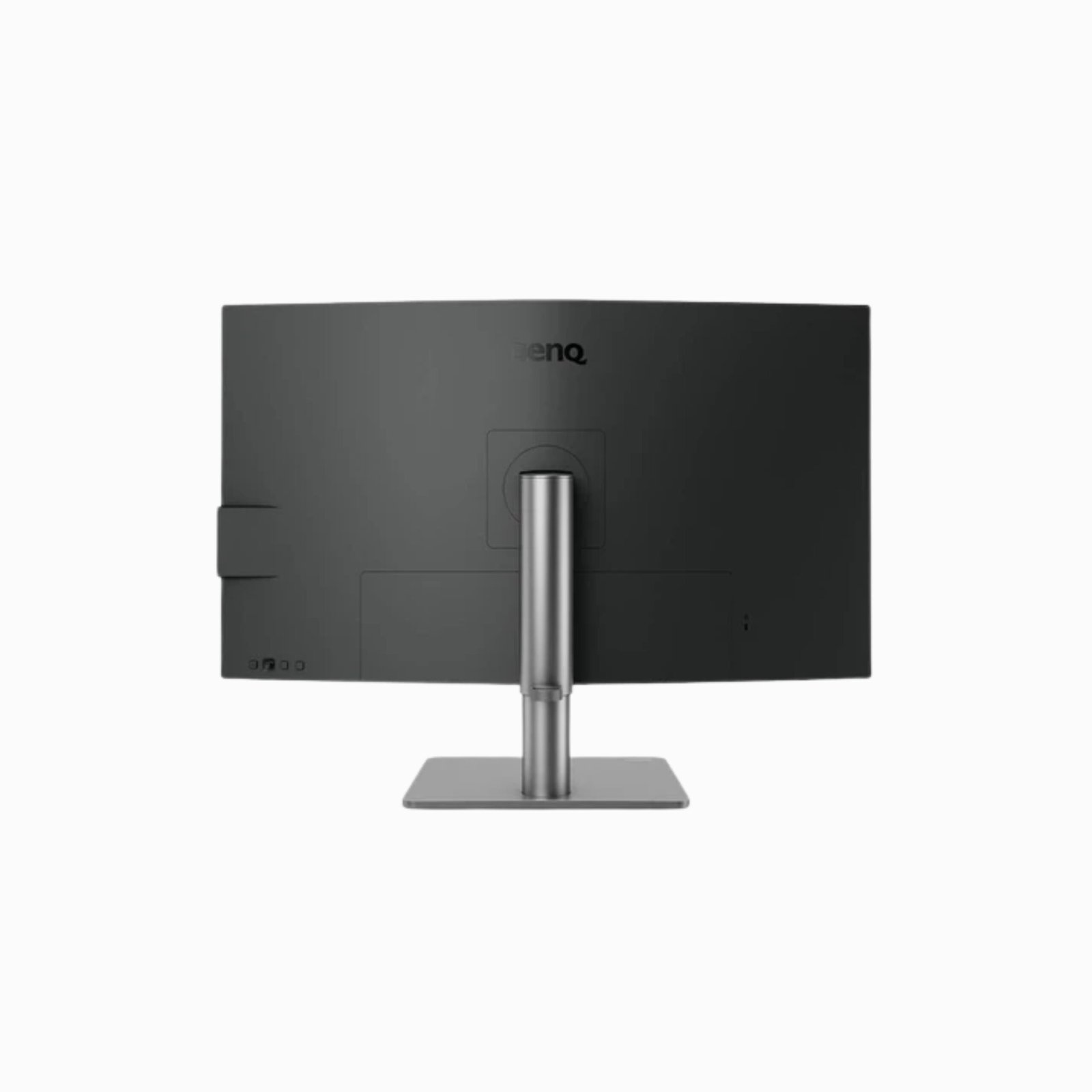
Thunderbolt 3 does it all. One cable lets you transfer audio, video, and data, along with power delivery. Its single-cable convenience eliminates distracting clutter. For added connectivity, there’s also a convenient USB hub.
Simplified Color Synchronization
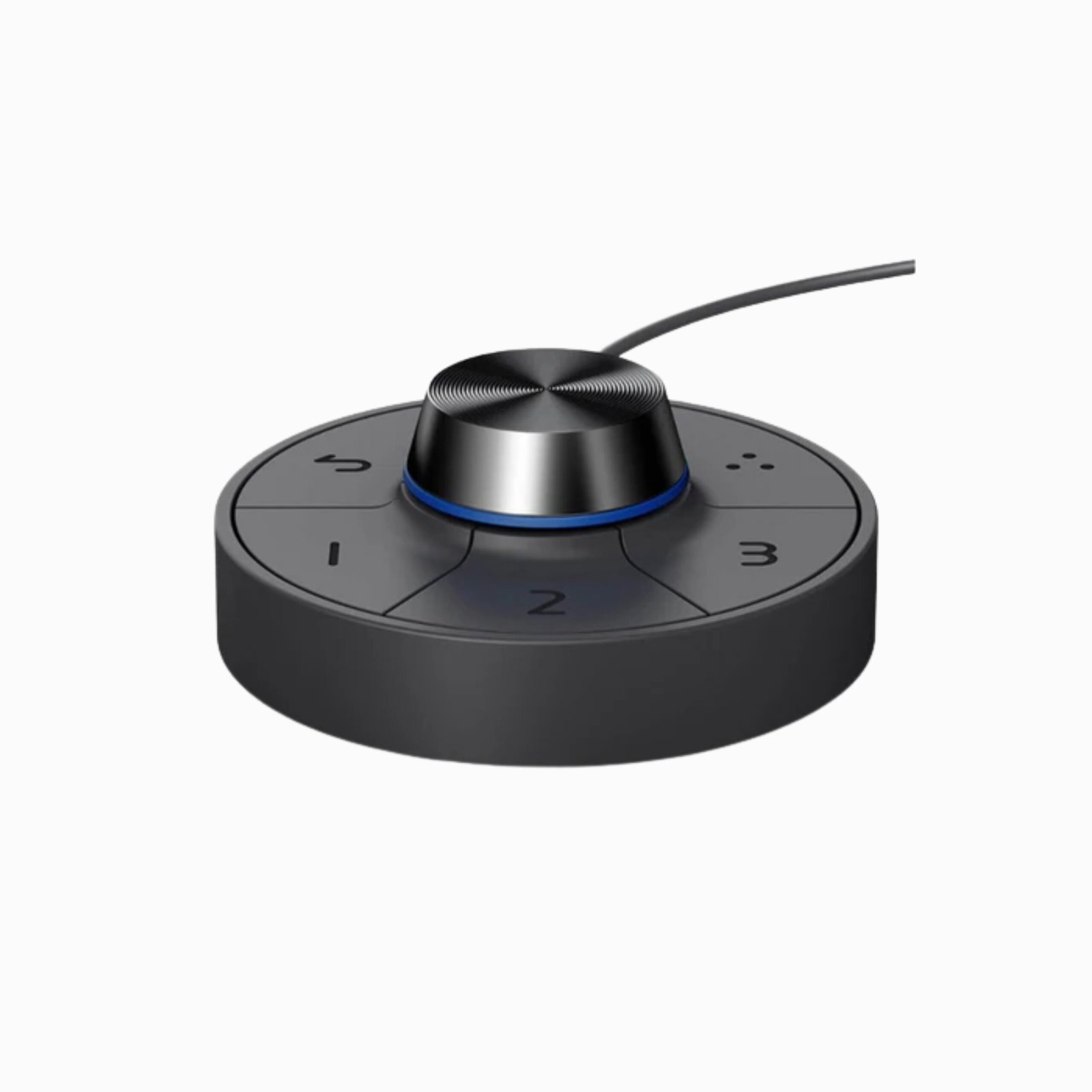
You need a color that closely matches your Mac. Achieve this with M-Book mode, engaged through the Hotkey Puck G2 or Display Pilot software. Additionally, ICCsync synchronizes color profiles between your monitor and your Mac when activated from the software.
Simplified Management
Available for Mac or Windows, Display Pilot software saves time and boosts efficiency. This proprietary software lets you preset multiple monitor settings with a mouse. And it offers support tools to make design work more convenient and flexible.
Premium Concepts Reflected through the Impeccable Color Performance
Designers rely on professional display monitors to take a laser-sharp look at colors, the most basic element of every product. By guaranteeing that all colors are impeccably accurate, designers can rest assured that customers will feel that the products they buy are worth every penny they’ve spent.
A COLOR TECHNOLOGY
Devoted to meeting the latest professional color standard, BenQ has developed AQCOLOR technology to uphold the concept of “Accurate Reproduction”. BenQ has invited a color expert to lead the team, and has also joined ICC (International Color Consortium) and ISO (International Standard Organization) to establish color-related standards and implementation.
Flawless Color Reproduction through the Upgraded Color Gamut P3 and sRGB
PD3220U is equipped with the latest color standards, Display P3 and DCI-P3, to guarantee a consistent color application among all designers. As more apps, devices, and websites adopt the color space of DCI-P3, PD3220U also comes with full compatibility with this new color standard, allowing design professionals to effortlessly load and display images imported from different sources. Additionally, the monitor covers 95% of DCI-P3, as well as 100% of sRGB and Rec. 709 color spaces, and delivers an amazing Delta E ≤ 3 value, utilizing the advanced IPS wide viewing angle technology to minimize color shift to inspire absolute design confidence.
The Industry-Leading Color Calibration for Top-Notch Color Accuracy
Out-of-the-Box Color Calibration
BenQ’s PD3220U monitor offers out-of-the-box color accuracy that guarantees users can enjoy the most trustworthy color performance.
CERTIFIED by CalMAN and PANTONE
With certification from CalMAN Verified and Pantone Validated, BenQ’s PD3220U monitor can maintain truthful colors, promising industry-approved performance for all creative enterprises.
HDR10 Support
BenQ’s DesignVue PD3220U is equipped with HDR10 technology to let designers preview video content’s HDR effect during the editing process, ensuring desirable outcomes for their final works.
Specialized Display Modes Tailored to All Designers
One fascinating aspect of the design industry is the depth and variety it possesses. To fully showcase the dynamic nature of the field, designers require tools that can help bring out the highest potential of their works. BenQ’s PD3220U monitor possesses the most suitable display modes to assist designers in producing works of the highest quality
Darkroom Mode
Adjusting image brightness and contrast for superb clarity and sharp details, Darkroom mode creates the optimal setting for work in darkened post-processing environments.
Animation Mode
Often problematic for designers working with intricate details in dark images, Animation mode enhances the brightness of dark areas without overexposing bright regions. Animation mode provides 10 levels of display brightness to bring out every subtlety clearly in any ambient lighting.
CAD/CAM Mode
Offering superior contrast for lines and shapes in technical illustrations, CAD/CAM mode accentuates the finest details to produce incredible display performances in Pro/E, SOLIDWORKS, AutoCAD, CATIA, or other design software. *Calibration eliminates slight color performance variations between individual panels of the same model. Therefore, the calibration data of each report will vary slightly from reports from other displays of the same model. *How to set up CAD/CAM mode
A Simple and Efficient Creative Process Made Possible
The common scene in a design studio is a workstation littered with multiple cords, used papers, and all kinds of tools, making it impossible for most designers to remain productive while searching for inspiration. But it doesn’t have to be like this. With a cable and several other thoughtful features, designers can now enjoy a whole new level of efficiency and productivity while trying to turn their creative ideas into realities.
Thunderbolt ™ 3
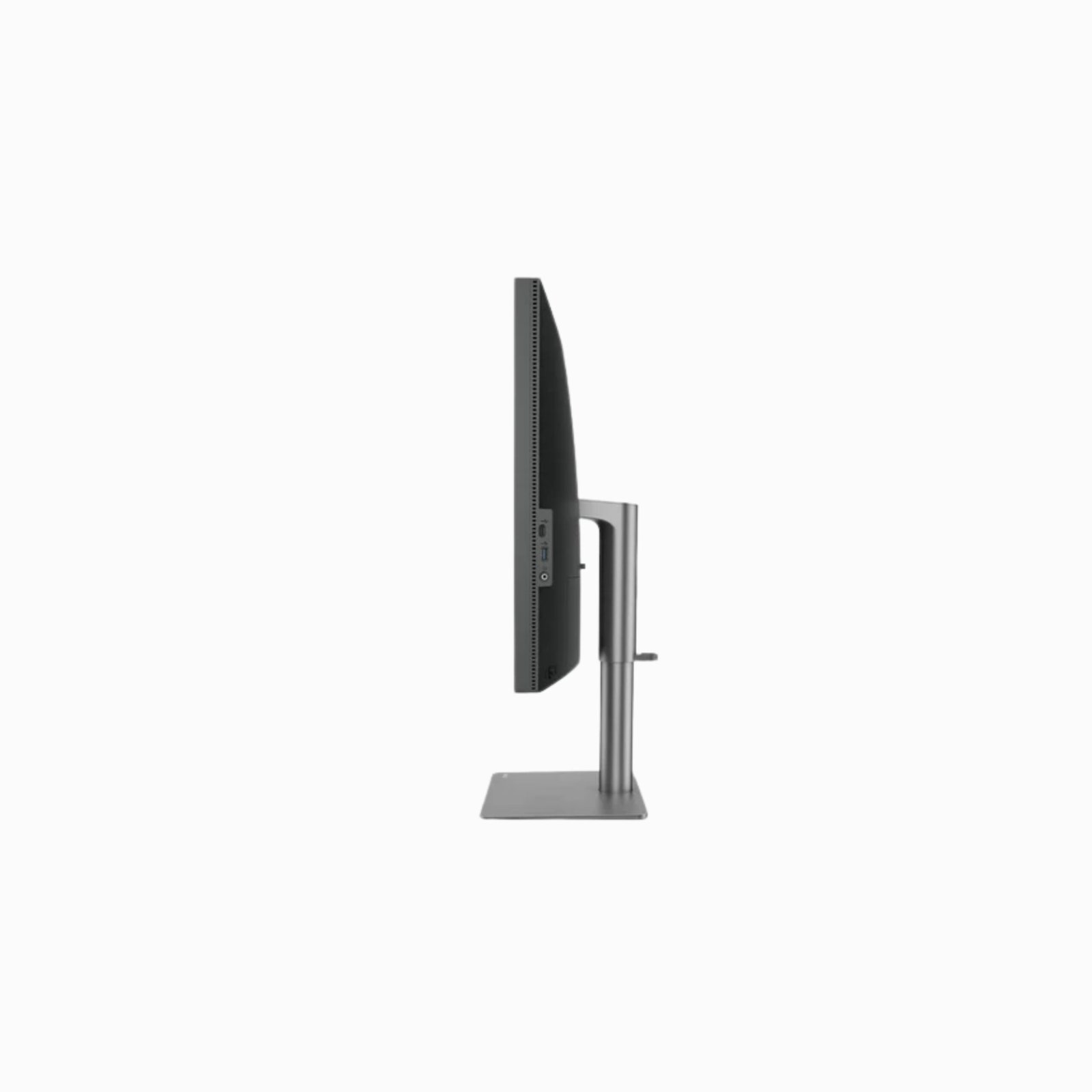
PD3220U is integrated with Thunderbolt™ 3, which provides power delivery up to 85W and has 2 USB-C ports for connectivity, allowing designers to get daisy-chained up to two 4K monitors and enjoy a higher speed for data transmission. It tremendously boosts productivity at every stage of the workflow. By facilitating daisy-chaining and power delivery through Thunderbolt 3, PD3220U lets designers extend screens while ensuring the video, audio, and data of the content are all properly extended, further enhancing efficiency at work and charging your laptop at the same time.
DualView
Improve your workflow and enhance productivity by switching on DualView to showcase designs in two modes (e.g., sRGB and CAD/CAM) side-by-side without the need for two screens. *How to set up DualView mode
Effortless Control for a Productive Design Process
Keyboard Video Mouse (KVM) Switch
The newly upgraded KVM Switch function allows users to control one set of keyboard and mouse between two different computers that use one or two screens, ensuring users can seamlessly switch between different computers to execute complicated design tasks while further boosting efficiencies at work. Designers can also enjoy the added level of efficiency that comes with KVM by activating the feature through PD3220U’s embedded software, Display Pilot. With a few simple steps in Display Pilot, designers can instantly benefit from the elevated level of convenience that PD3220U offers. *How to use the KVM switch function to enhance work efficiency
Hotkey Puck G2
PD3220U is empowered by the newly designed hotkey puck G2, which allows designers to customize shortcuts to their preferred features through the upgraded OSD. The hotkey puck G2 leaves 3 single-function keys as well as a rotation key to let users designate them to features that they require the most at work. Additionally, designers can adjust the brightness, contrast, and volume of the monitor based on their preferences through the dial on the hotkey puck. To return to the previous level of the settings, designers can simply press the return key to instantly go back to the previous level.
Caring for Your Eyes
Eyes play a key role in our everyday lives, and for designers, their eyes are the gateway between their creative ideas and final products. To significantly enhance the level of viewing comfort for all designers, BenQ’s PD3220U monitor relies on a few groundbreaking technologies to safeguard designers’ visions.
Low Blue Light Technology
Unique BenQ Low Blue Light Technology is designed to filter out harmful blue light, effectively diminishing eye fatigue and irritation.
Flicker-free
Flicker-free eliminates flickering at all brightness levels and reduces eye fatigue effectively. Conventional LCD screens flicker at the rate of 250 times per second. Your eyes may not see the flickers but they can certainly feel them. So relieve your eyes from the uncomfortable flickering effect by switching to a BenQ flicker-free monitor.
Technical Specifications:
| Screen Size | 31.5 |
| Resolution (max.) | 3840×2160 |
| Panel Type | IPS |
| Backlight Technology | LED backlight |
| Brightness | 300 cd/m2 |
| Native Contrast(typ.) | 1000:01:00 |
| Viewing Angle (L/R;U/D) (CR>=10) | 178/178 |
| Response Time | 4ms (GtG) |
| Refresh Rate | 60Hz |
| Aspect Ratio | 16:09 |
| Display Colors | 1.07 billion colors |
| Color Gamut | 95% DCI-P3 |
| Display Area(mm) | 697.31(H) x 392.23(V) |
| PPI | 140 |
| Pixel Pitch (mm) | 0.18159 |
| DCR (Dynamic Contrast Ratio) (typ.) | 20M:1 |
| Built-in Speaker | 2Wx2 |
| Audio Line In | Yes |
| Headphone Jack | Yes |
| Picture Mode | DCI-P3/Display P3/HDR/sRGB/Adobe RGB/Rec. 709/CAD/CAM/Animation/Low Blue Light/Darkroom/M-book/DICOM/User |
| HDCP | 2.2 |
| VESA Wall Mount | Yes |
| PIP/PBP | Yes |
| Gamma | 1.8- 2.6 |
| AMA | Yes |
| OSD Language | 18 Languages (English / Francais / Deutsch
Italiano / Español / Polish / Czech / Hungarian Romanian / Dutch / Russian / Swedish Portuguese / Japanese / Chinese S-Chinese / Arabic/Korean) |
| Display Screen Coating | Anti-Glare |
| Flicker-free Technology | Yes |
| Low Blue Light | Yes |
| Delta E | ≦ 3 (average) |
| Animation mode | Yes |
| CAD/CAM mode | Yes |
| KVM Switch | Yes |
| DualView | Yes |
| Darkroom mode | Yes |
| Auto Pivot | Yes |
| Hotkey Puck | Yes |
| Daisy Chai Technology | Yes (Thunderbolt 3 Technology) |
| Factory Calibration Report | Yes |
| HDMI | HDMI (v2.0)x2 |
| DisplayPort | DisplayPort (v1.4) x1 |
| Card Reader | Thunderbolt 3 x 1 (Power Delivery 15W, DP alt mode, Data) |
| USB 3.1 Hub | USB Downstream x 3 |
| USB 3.1 Hub | USB Upstream x 1 |
| USB Type-C | USB Downstream x 1 (Data)
Thunderbolt 3 x 1 (Power Delivery 85W, DP alt mode, Data |
| Voltage Rating | 100 – 240V |
| Power Supply | Built-in |
| Power Consumption (on mode) | 220W |
| Power Consumption (based on Energy Star) | 37W |
| Power Consumption (stand-by mode) | 0.5W |
| Power Consumption (sleep mode) | 0.5W |
| AC Switch | No |
| Dimensions (HxWxD mm) (w/o Base) | 412.2×714.8×86.63 |
| Dimensions (HxWxD mm) | H: 627.6×714.8×185.81
L: 477.6×714.8×185.8 |
| CTN Dimensions (HxWxD mm) | 676 x 187 x 818 |
| Gross Weight | 7.9Kg |
| Tilt (down/up) | -5˚ – 20˚ |
| Swivel (left/right) | 30˚/30˚ |
| Pivot | 90˚ |
| Height Adjustment (mm) | 150 |
| Display Pilot | Yes |
| Mac Compatible | Yes |
| Windows® Compatible | Windows®10, Windows®8.1, Windows®8, Windows®7 |
| Solidworks | Yes |
| Verified by CalMAN | Yes |